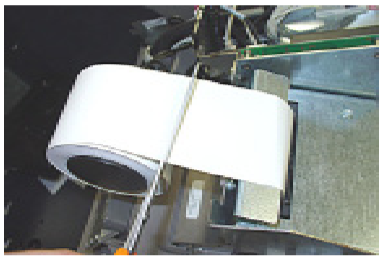
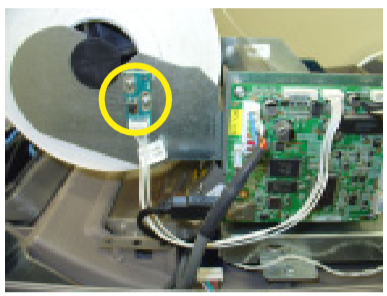
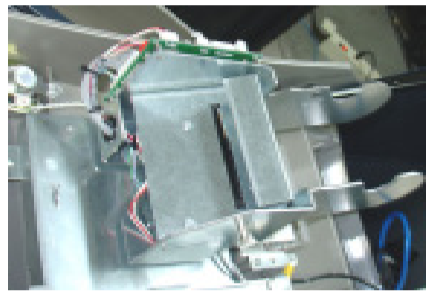
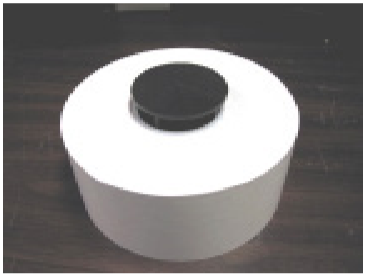
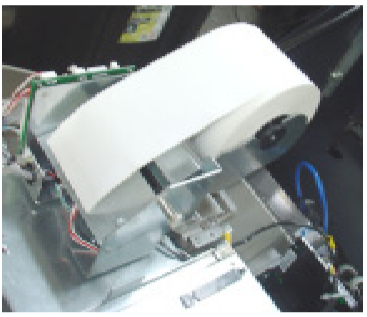
This procedure outlines how to replenish the ATM's receipt paper. Step 1 Open the control panel. If paper remains on roll, cut or tear paper between roll and printer. Step 2 Press the manual feed button to clean remaining paper from feed path. Step 3 Remove spent paper roll and spindle from paper bracket. Step 4 Install new paper roll into spindle. Step 5 Insert paper/spindle into paper bracket. Paper feeds from TOP of roll. Step 6 Feed end of paper into printer take-up slot. Paper will feed automatically through the printer and slightly out front of unit.