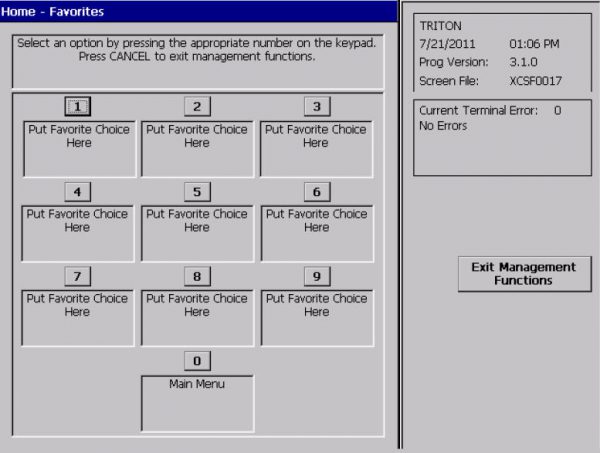
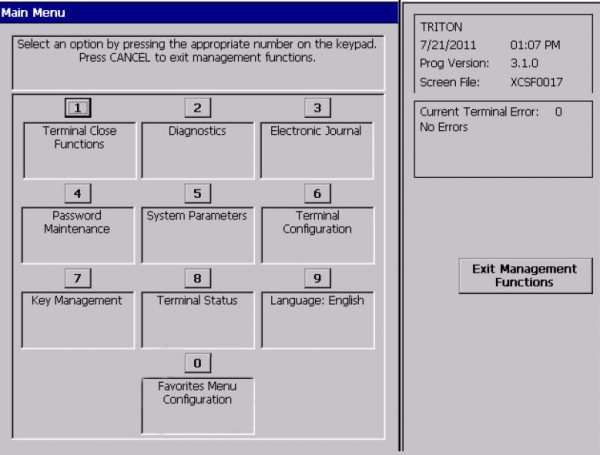
Open ‘Management Functions’ and enter the 6 digit management password you have been provided.
Step 2
You will be presented with two options. On the screen you will see either of the following screens:
Option A
Option B
For OPTION A, follow the following process:
Step 1
Unlock safe.
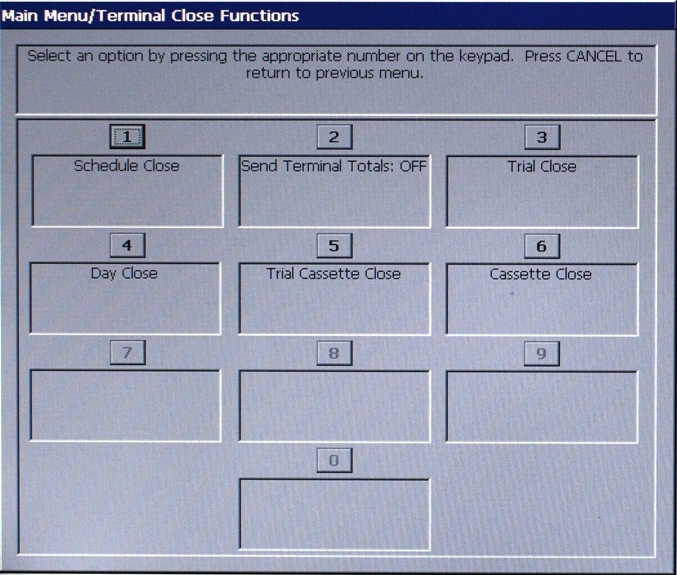
Go to ‘Management Functions’ and select ‘(2) Cassette Close’.
Step 2
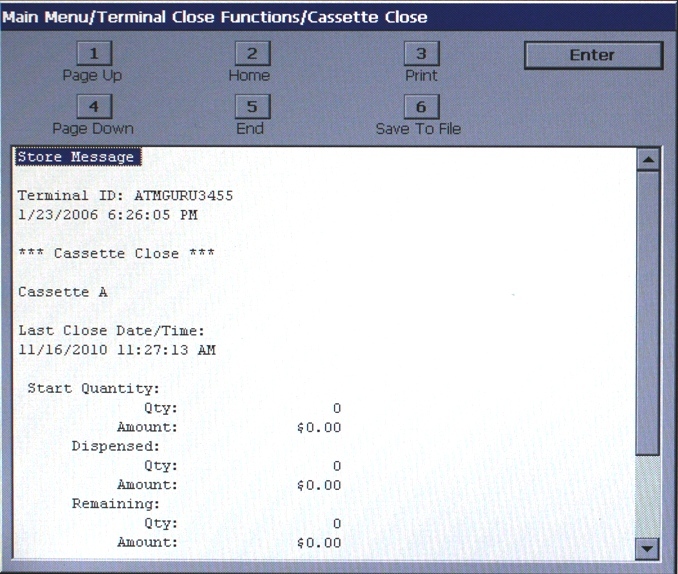
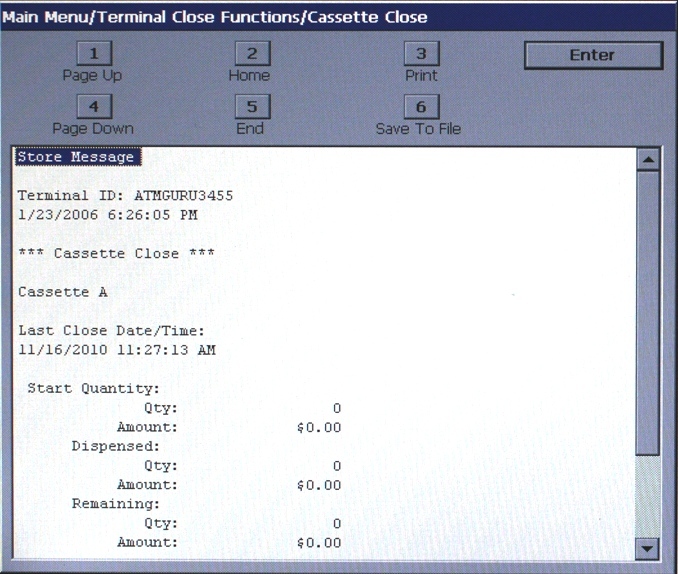
Press ENTER to bring up report.
Step 3
Select 3 ENTER to provide a record of the cassette close.
A time out warning will be displayed. Press ENTER.
Step 4
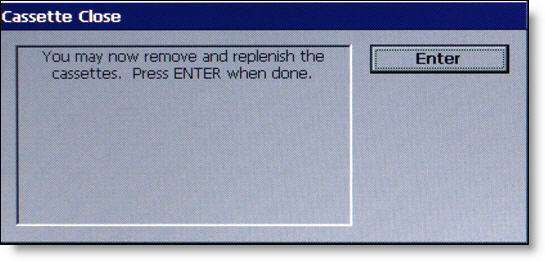
A prompt to remove and replenish cassettes will be displayed. Remove old cassettes and replace with new cassettes as provided by ARA. Once complete press ENTER.
Step 5
All cassettes are now locked will be displayed. Press ENTER.
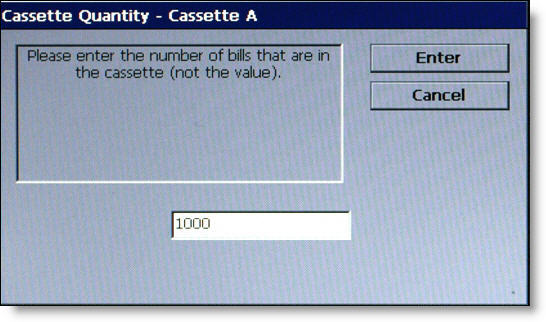
Enter the number of bills in Cassette A (as provided by ARA).
Do the same for the number of bills in Cassette B (as provided by ARA).
Step 6
Select (3) ‘Print’ to provide a record of the cassette update.