This procedure outlines how to change cassette denomination from $50 to $20.
Step 1
Unlock cassettes:
a. Access management
(0) main menu
(2) diagnostics
(4) dispensers
(8) cassette parameters
(2) all cassettes unlocked
6. Wait for cassettes to unlock and remove the cassettes.
Step 2
Remove the CASSETTE B.
Step 3
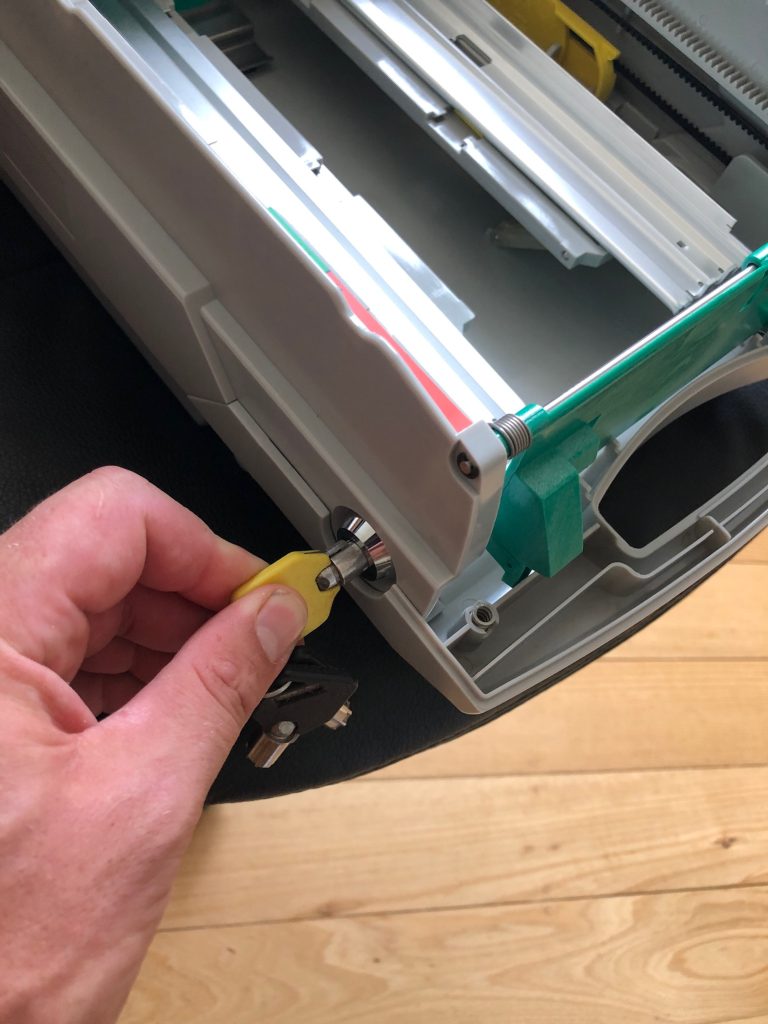
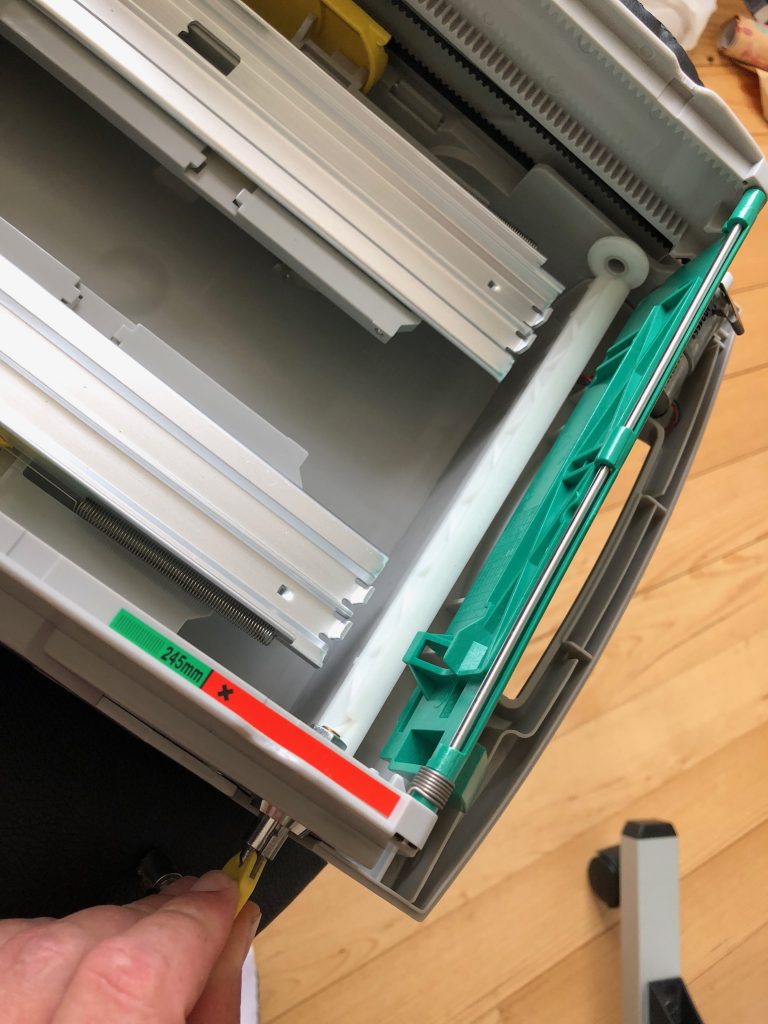
Use the YELLOW KEY to unlock the white cassette rail bar.
Locked
Unlocked
Step 4
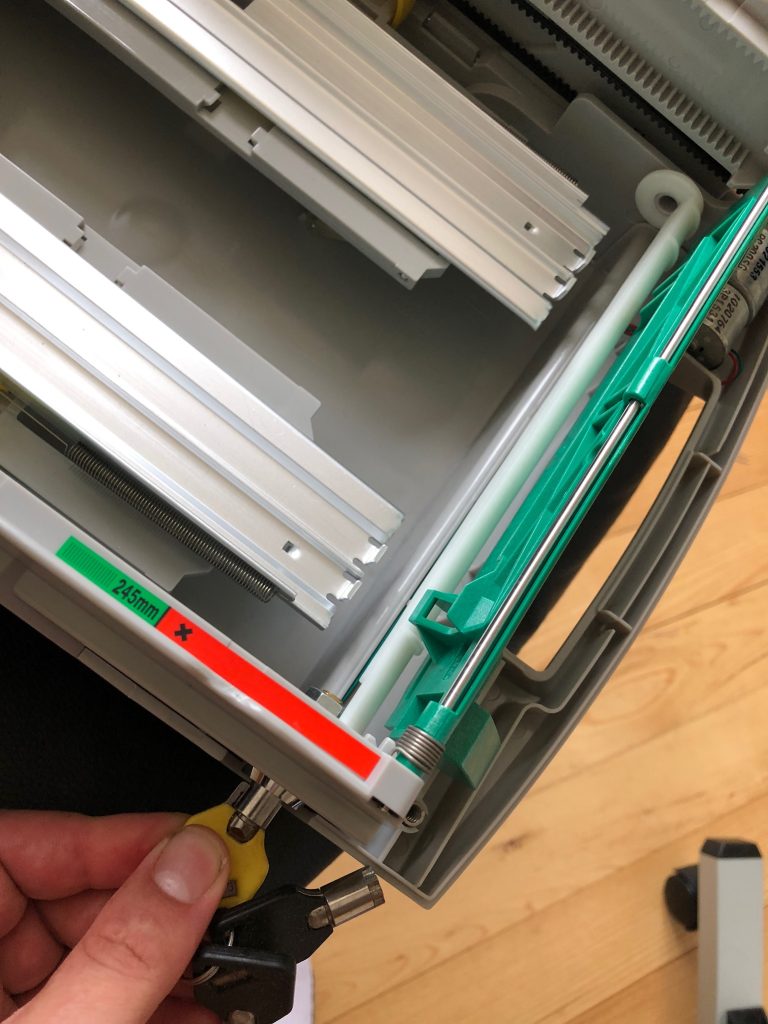
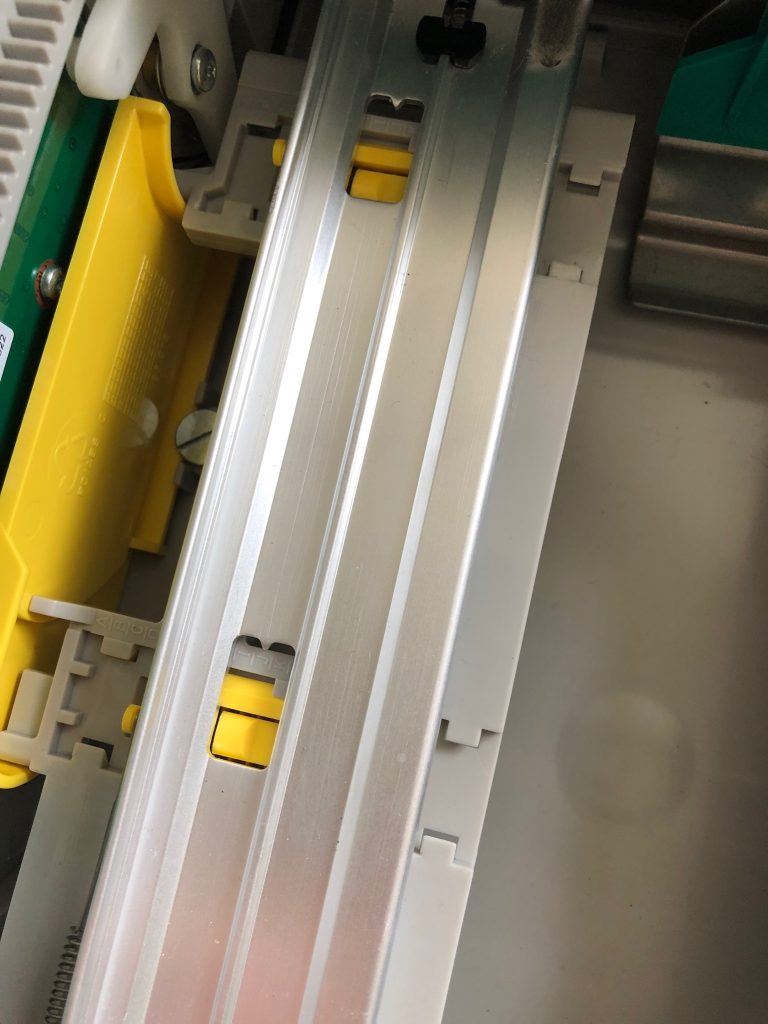
Pull the spring loaded cassette rail towards the cassette handle. Use the guides to reposition the Left and Right rail to “I” at both positions. Release the rail to set in place.
Step 5
Use the Yellow key to reset the cassette lock.
Step 6
Press (2) to lock the cassettes. Then Press (5) to select Cassette B.
Step 7
Press (7) to select the multiple amount:
a. The ATM may let you simply enter the new denomination for $20.00 or;
b. Ask you to remove the cassette. Once done press ENTER
c. Then ask you to replace the cassette. Once done, press ENTER. The ATM will now also pick a banknote and put into the reject bin.
d. Now Enter the denomination for $20.00. Press ENTER to exit to the main menu.
Step 8
Press (1) terminal close funtions > (6) cassette close.
Complete a cassette close normally, and enter the new cassette amount for cassette B.